-
Step 1: Know what is built today
The real-estate module is built for Dubai brokerages: it reads Dubai communities and buildings, prices in AED, and shows each listing's Trakheesi (DLD) permit number. Brokerages elsewhere can use leads, WhatsApp, follow-ups and viewings, but city and locality matching outside Dubai is not available yet.
Good to know: We say this up front so you can judge fit before the trial ends.
-
Step 2: Follow the checklist
Your go-live checklist adds two real-estate steps: available listings with valid permits, and portal connections.
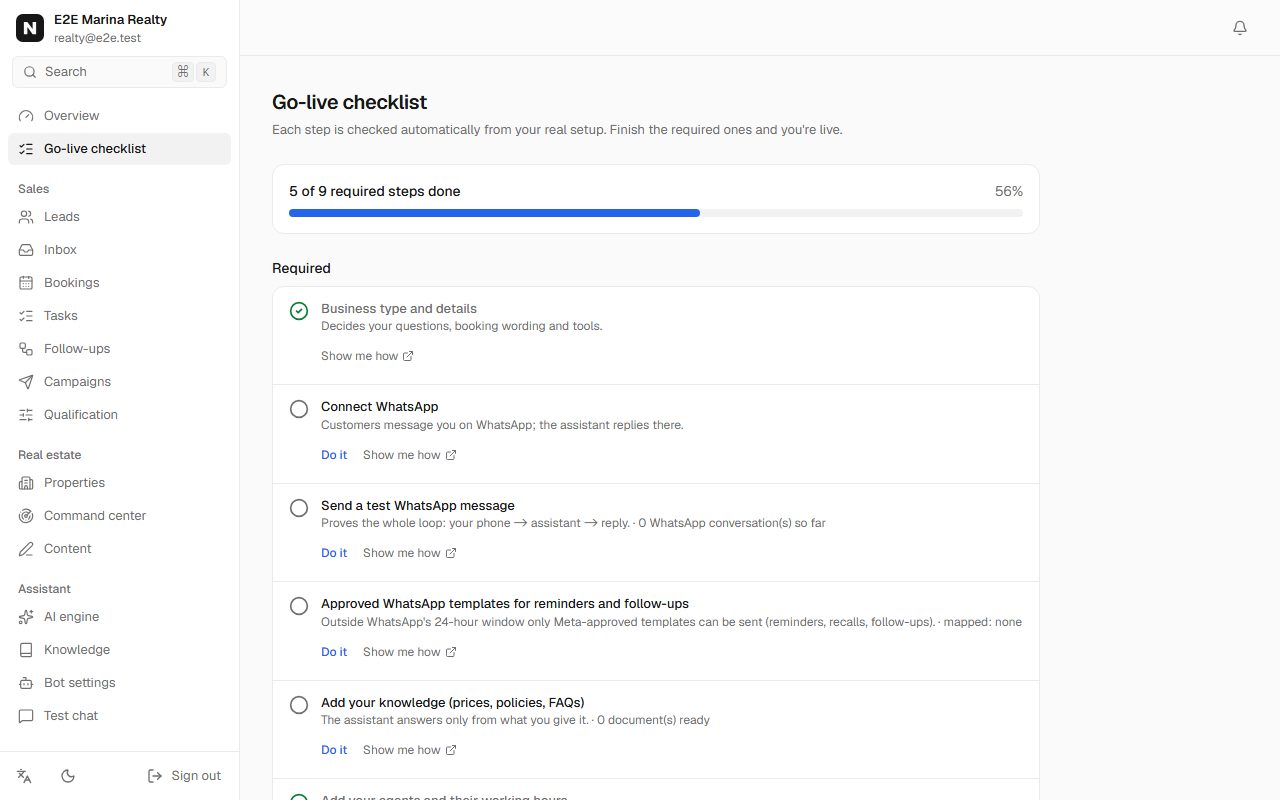
Real-estate go-live checklist with WhatsApp, templates and knowledge steps -
Step 3: Import listings with permits
In Properties, click Import CSV / Excel (or add one by one). Each listing needs a reference, community, bedrooms, price and permit details. Imported listings start as drafts: check each one and click Make available. Only available listings with a permit that hasn't expired are ever offered to customers.
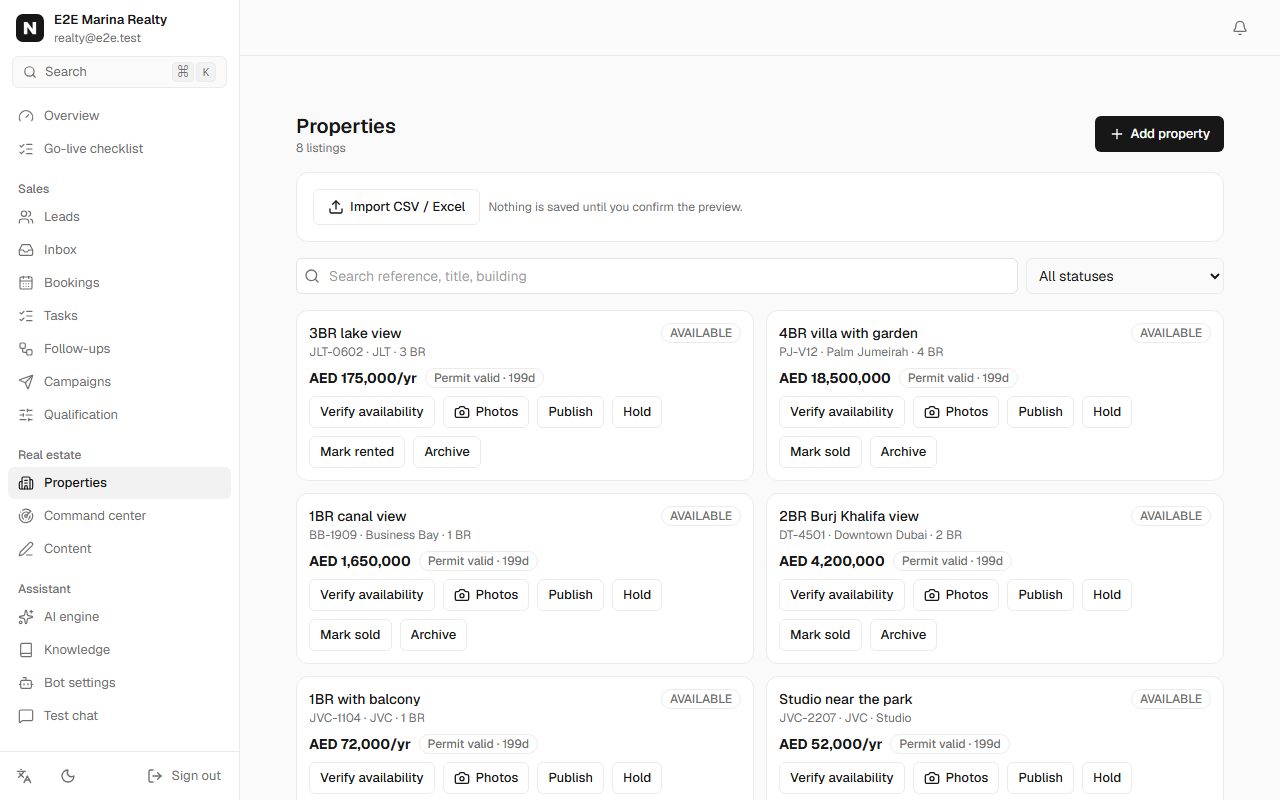
Properties list with references, communities, prices in AED and permit status You should see: The checklist shows "N available listing(s)".
-
Step 4: Agents and viewing hours
In Bookings, add each agent and their working hours and a Site visit service (for example 45 minutes). Viewings are then only offered when an agent is free.
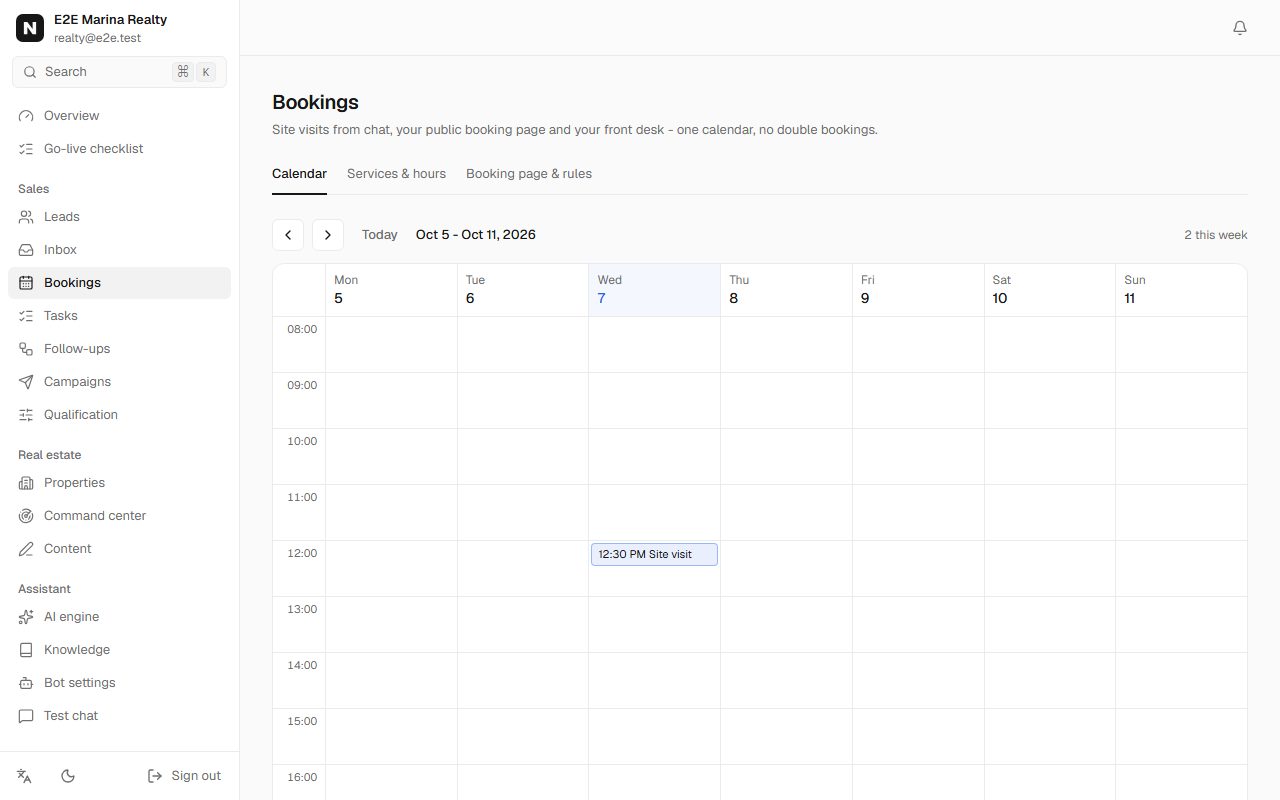
Bookings page with upcoming site visits for each agent -
Step 5: Connect portals and lead sources
In Connections, Lead sources, connect Property Finder, Bayut, Facebook lead ads, your website form or the e-mail bridge. Each enquiry becomes a lead and gets an instant WhatsApp reply.
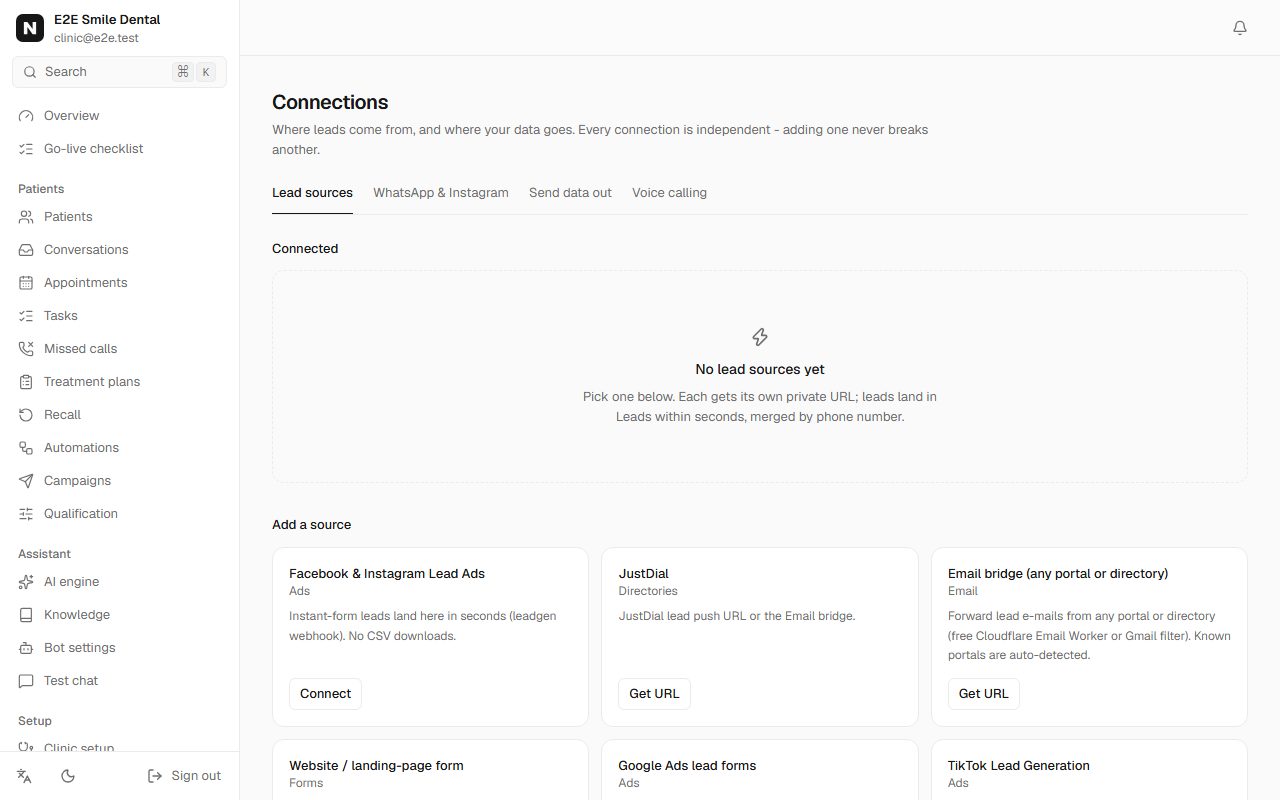
Lead sources with portals, Facebook lead ads, website forms and the e-mail bridge -
Step 6: What a WhatsApp enquiry looks like
A real conversation with the demo brokerage. Every listing shown is read from your inventory - prices, availability and permits are never made up.
Buyer enquiry on WhatsApp
- Hi, looking for a 2 bed in Dubai Marina for rent
- Here is 1 available option that fits: 1) 2BR with marina view · Dubai Marina · 2 BR · AED 155,000/yr (unfurnished) Ref: DM-1203 · Permit: 7777160381 Would you like to view one? Tell me which one and what day suits you.
- yes I'd like to see the first one
- Thanks. I've flagged your viewing request and an agent will confirm a time with you shortly.
Buyer enquiry on WhatsApp: Customer: Hi, looking for a 2 bed in Dubai Marina for rent / Marina Realty: Here is 1 available option that fits: 1) 2BR with marina view · Dubai Marina · 2 BR · AED 155,000/yr (unfurnished) Ref: DM-1203 · Permit: 7777160381 Would you like to view one? Tell me which one and what day suits you. / Customer: yes I'd like to see the first one / Marina Realty: Thanks. I've flagged your viewing request and an agent will confirm a time with you shortly. You should see: The lead appears in Leads with its requirements and a score, and the viewing request is flagged for the agent.
-
-
Step 7: Work the pipeline
Leads shows every enquiry with source, score and stage. Command center shows what needs attention now: hot leads waiting, viewings today, follow-ups due.
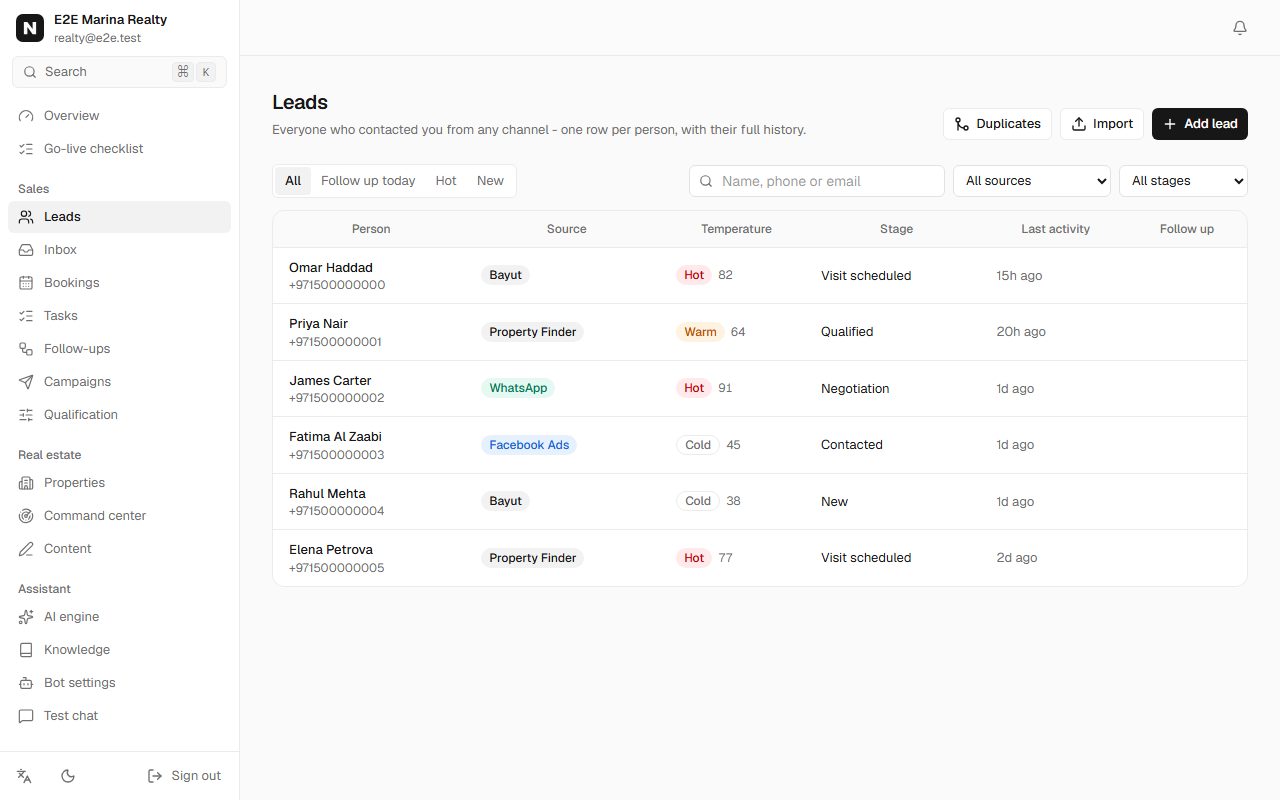
Leads list with sources such as Bayut and Property Finder, scores and stages
Frequently asked questions
Does it work for Indian property markets?
Leads, WhatsApp replies, follow-ups and site-visit booking work anywhere. Automatic matching by Indian city and locality is not built yet - listings are matched using Dubai communities today.
Can the assistant offer a property that is sold?
No. Only listings marked available with a valid permit are matched; mark a unit as rented or sold and it stops appearing immediately.