Every guest, every ID, one register
Privacy by design
- UIDAI does not allow businesses to keep full Aadhaar numbers or copies - keep a masked Aadhaar.
- Files are stored in your Google Drive, not on Nomisly's servers; Nomisly can see only the files it created there.
- The register downloads as part of the Excel export when the police or an inspector asks.
How it works
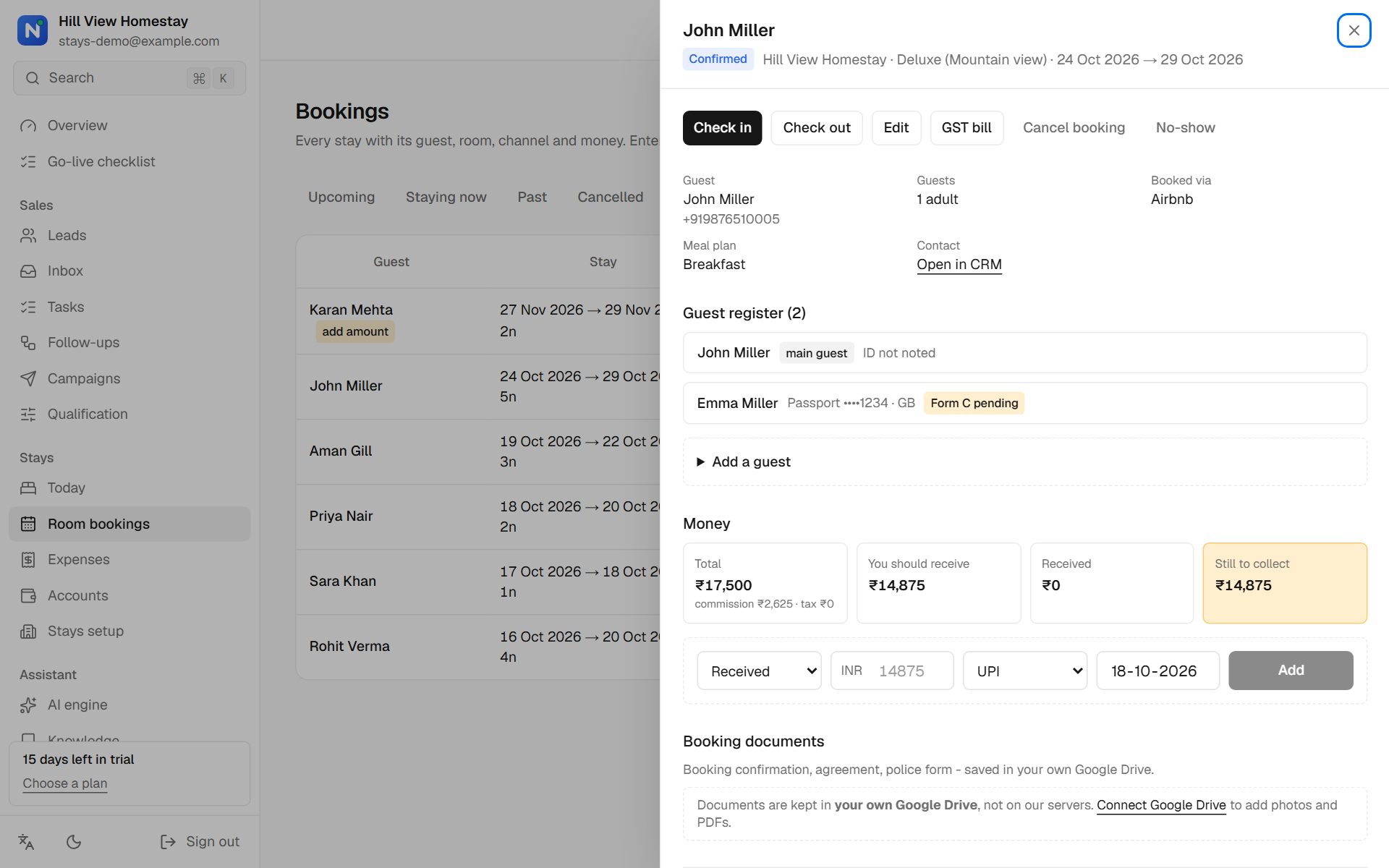
- Create the booking and add each guest's name and ID number - only the last 4 are kept.
- Tap Photo or PDF on a guest to save the masked Aadhaar or passport photo to your Drive.
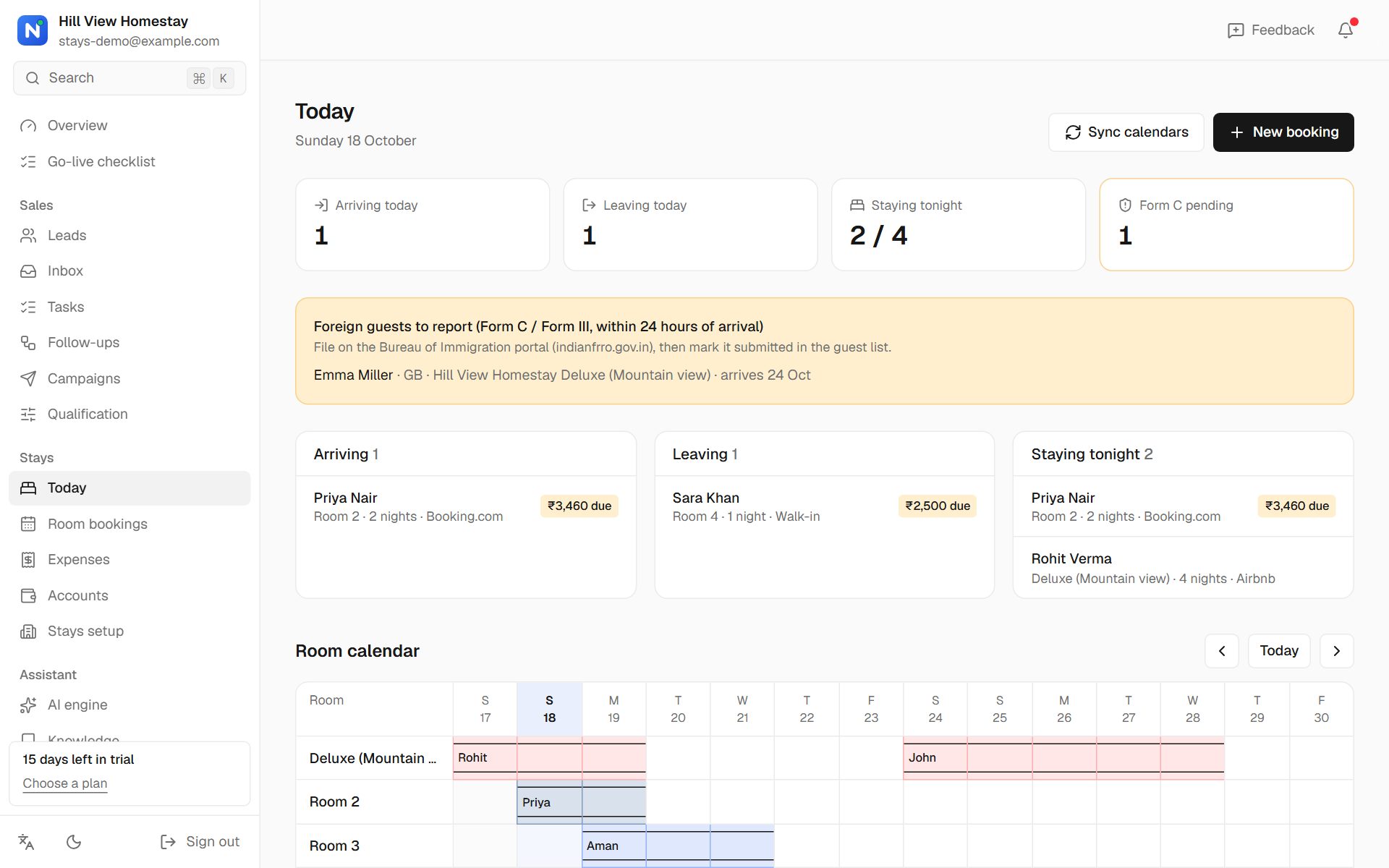
- A foreign guest appears under Form C pending on the Today page.
- File on indianfrro.gov.in, then mark it submitted with the reference number.
Frequently asked questions
Does Nomisly file Form C for me?
No. It reminds you and keeps the reference; filing is done by you on the Bureau of Immigration portal (indianfrro.gov.in).
What if I need the full passport number?
Add your own column for it. Passport numbers are fine to keep; full Aadhaar numbers are not.
Written by the Nomisly Product Team. Last updated .