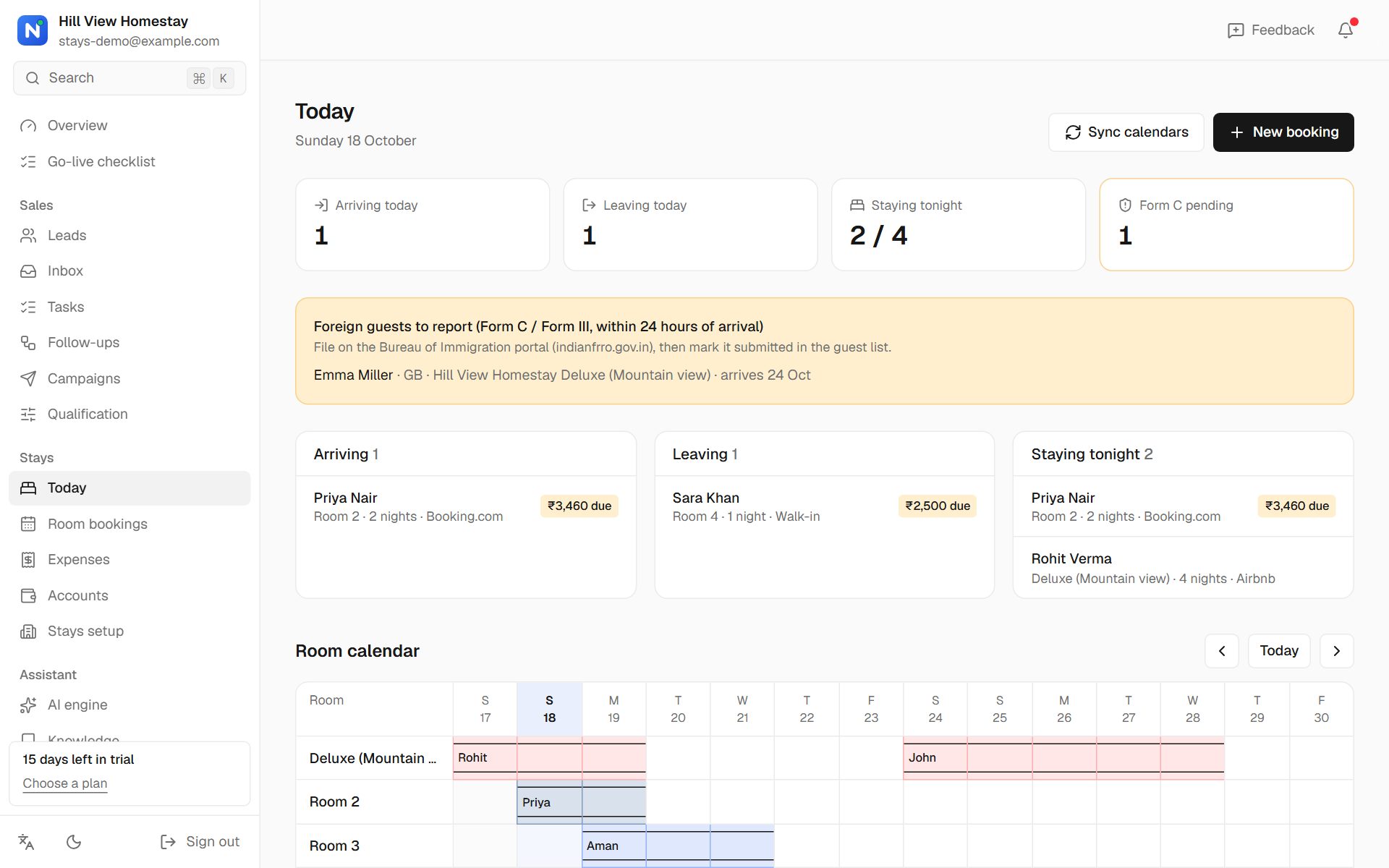
Airbnb, Booking.com and direct in one calendar
Honest limits of iCal
- iCal carries dates only. Forward the platforms' booking e-mails to your Nomisly address and the guest's name, the total and the commission are filled in for you; anything an e-mail doesn't say, you add.
- Platforms refresh links on their own schedule (minutes to a few hours); close same-day bookings by hand.
- A link is a secret - if one leaks, make new links in one tap.
Booking e-mails: private by design
- Only the e-mails your own Gmail filter forwards reach Nomisly. We never ask for your Gmail or Airbnb password and never see the rest of your inbox.
- They don't land in any person's mailbox: a program reads them and keeps only the booking - guest name, dates, guests, amounts and confirmation number. The e-mail itself is not stored.
- Payout e-mails mark the money as received on the bookings they pay for - by themselves when the amount is exactly what was due, otherwise after you check it. Only booking numbers, amounts and the date are kept, never bank details.
- Login alerts, verification codes, password, PAN / tax, bank and payout-method e-mails are skipped unread, and nothing from them is kept.
- Each business has its own private address, and its bookings are walled off from every other business in the database. The list of received e-mails clears itself after 60 days.
Set it up in 5 minutes
- In Airbnb: Calendar → Availability → Connect calendars → copy the export link.
- In Nomisly: Stays setup → the room → Calendar sync → paste it and Connect.
- Copy Nomisly's link for Airbnb and paste it into Airbnb's import calendar.
- Repeat for Booking.com.
- Optional: Stays setup → Booking e-mails → add one Gmail filter so the guest's name, total and commission fill in by themselves.
Frequently asked questions
Is this a channel manager?
It is calendar sync, not an API channel manager: it prevents most double bookings for small hosts, but rates and availability aren't pushed instantly.
Is it safe to forward my Airbnb and Booking.com e-mails?
Yes. Only the e-mails your Gmail filter picks reach Nomisly; we never get your password or inbox. Only the booking details are kept, account and security e-mails (logins, codes, PAN, bank) are skipped unread, and only your own business can see the result. Delete the filter to stop at any time.
What happens when a guest cancels on Airbnb?
The booking is cancelled in Nomisly too, unless you have already recorded money against it - then you're asked to check.
Written by the Nomisly Product Team. Last updated .